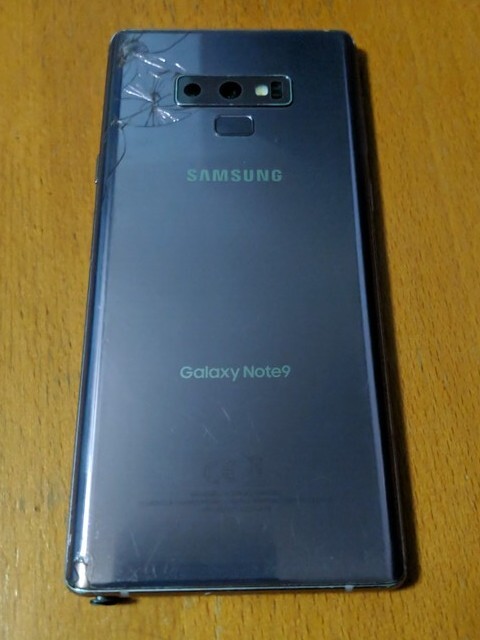
I have this fairly old phone: a Samsung Galaxy Note 9 in "Lavender Purple". I got it at a thrift store for $20 untested, and it ended up working fairly well for my needs (communicate with people when needed).
Samsung Galaxy Note 9 on Wikipedia
While the Note 9 was a great device, I ultimately left it when the screen started acting up. When I got it, the screen had a fairly small dead pixel blob on the side, and touch was a bit finicky, but acceptable, and the parts of the screen that didn't accept touch I could interact with using a fairly cheap replacement S-Pen I had gotten previously. However, over time, the dead pixel blob grew (mostly from me messing with it :) ) and the lack of touch got to an unacceptable point, so I had to ditch it for something else.
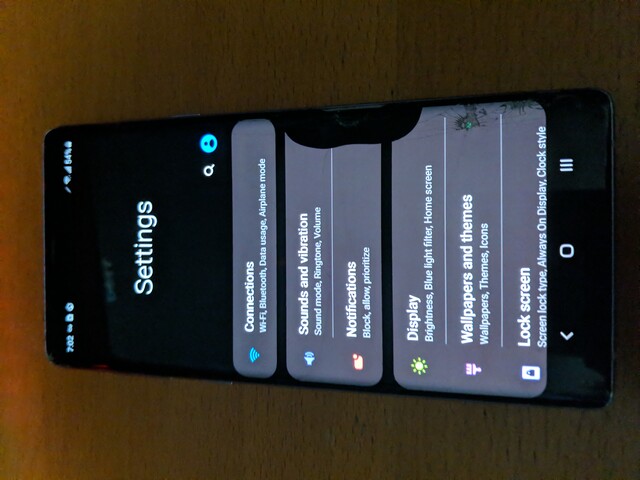
For the most part, it's been sitting there unused, since it's carrier-locked and therefore bootloader-locked. That's when I thought of using it for BOINC, a project that lets you donate unused computing resources to scientific projects.
I started with wiping the device from what I had before and setting it up from scratch. After going through the fairly tedious factory reset process, I was dropped into the default home screen.
Of course, being a free software activist, I immediately copied some APKs and installed them (not necessarily in this order):
This Week in F-Droid page mentioning Athena Firewall
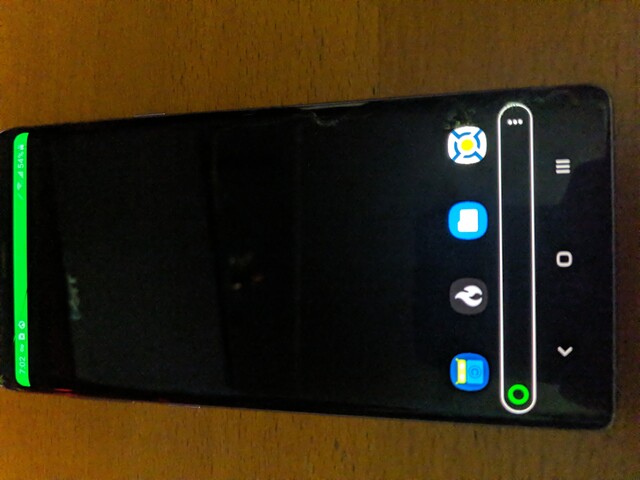
I normally use Karma (and before that, Rethink) as a firewall. I just wanted Athena to try it out. However, I ended up using it here because Karma was inconsistent (not working on boot, sometimes not blocking apps, etc.).
Setting up BOINC was pretty simple:
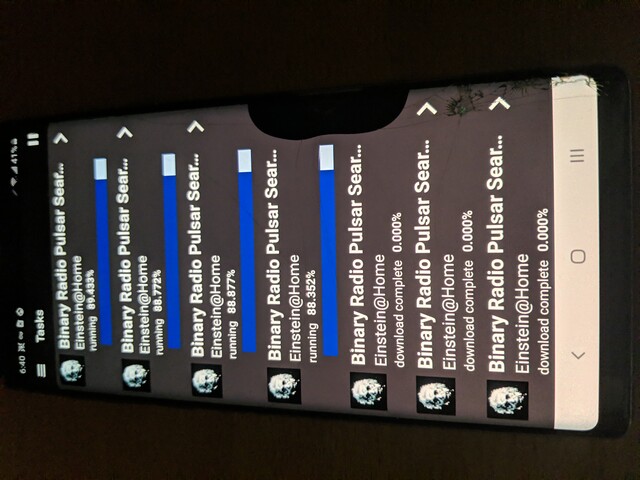
Ideally, I would like some sort of cooling setup so the phone isn't so hot (I got a notification from the phone's stupid "Device Care" app that said BOINC was using too much CPU), but it's fine for now. I would also like it running 24/7, but that'll take a bit more work.
I'm pixelo789 on Einstein@Home if anyone's interested:
https://einsteinathome.org/content/pixelo789
[1]: My normal keyboard when I have to use Android is FlorisBoard, but I wanted something smaller and lighter.